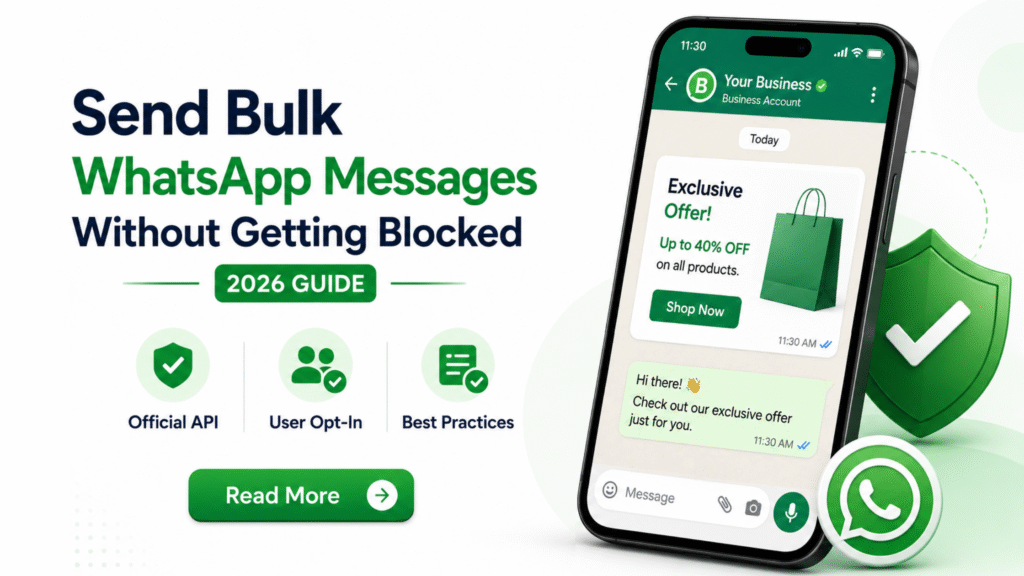
How to Send Bulk Messages on WhatsApp Without Getting Blocked (2026 Guide)
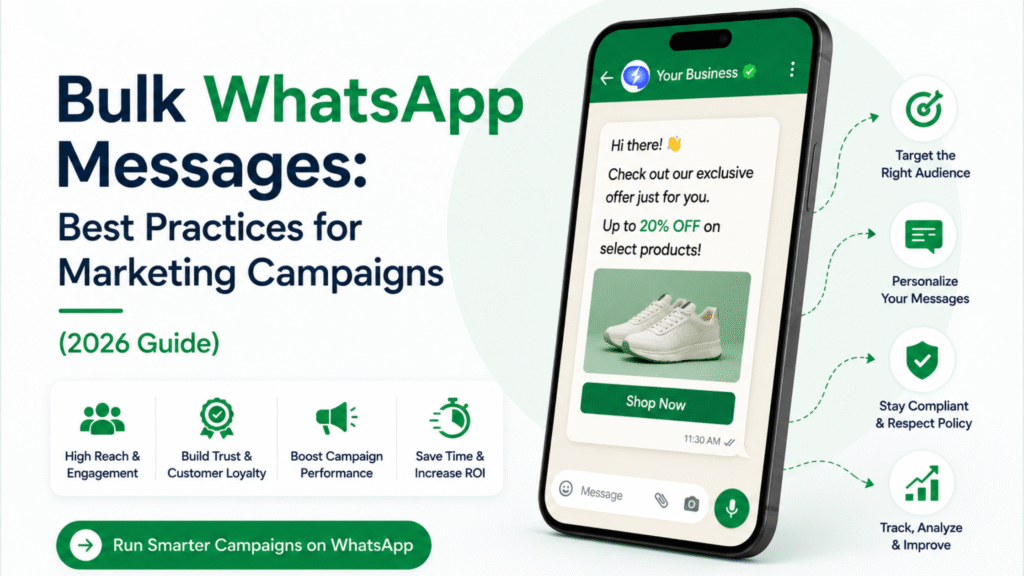
WhatsApp has become one of the most effective business communication channels, with high open rates, strong engagement, and direct customer interaction.
However, many businesses make a costly mistake: sending bulk WhatsApp messages using unofficial methods.
The result?
- Number restrictions
- Reduced message delivery
- Quality rating drops
- Temporary bans
- Permanent account blocks
The good news is that businesses can send bulk WhatsApp campaigns safely and at scale by following WhatsApp’s official guidelines.
This guide explains how to send bulk WhatsApp messages without getting blocked in 2026.
Why WhatsApp Blocks Business Accounts
WhatsApp prioritizes user experience.
If users frequently:
- Report messages as spam
- Block your number
- Ignore messages
WhatsApp may reduce your messaging limits or restrict your account.
Common reasons for account blocks include:
- Sending messages without customer consent
- Using unauthorized bulk messaging software
- Sending excessive promotional messages
- Poor message quality
- High complaint rates
Use WhatsApp Business API (Not Unofficial Tools)
The safest way to send bulk WhatsApp campaigns is through the official WhatsApp Business API.
Benefits include:
- Official WhatsApp approval
- Better message deliverability
- Higher sending limits
- Automation capabilities
- Compliance with WhatsApp policies
Many businesses use providers such as MagicText to access WhatsApp Business API services and campaign management tools.
1. Only Message Opted-In Customers
This is the most important rule.
Customers should explicitly agree to receive WhatsApp messages.
Examples of valid opt-ins:
- Website forms
- Checkout pages
- Lead generation forms
- QR code subscriptions
- WhatsApp click-to-chat campaigns
Avoid:
- Purchased contact lists
- Scraped databases
- Unsolicited messaging
Poor-quality databases are one of the fastest ways to get blocked.
2. Use Approved Message Templates
WhatsApp Business API requires approved templates for outbound communication.
Examples:
- Order confirmations
- Appointment reminders
- Promotional offers
- Delivery updates
Approved templates improve:
- Compliance
- Deliverability
- Trust
3. Warm Up New WhatsApp Numbers
Don’t send thousands of messages immediately from a new account.
Start gradually:
Week 1
- Small volume
- Existing customers
Week 2
- Increase message volume
Week 3+
- Scale campaigns gradually
This helps build a positive sender reputation.
4. Personalize Messages
Generic messages often feel like spam.
Instead of:
“Buy now. Limited offer.”
Use:
“Hi Raj, our new collection is now available. Enjoy 15% off this week.”
Personalized communication improves engagement and reduces complaint rates.
5. Avoid Excessive Promotional Content
Not every message should be a sales pitch.
Mix communication types:
- Product updates
- Helpful information
- Order notifications
- Support messages
- Promotional offers
Value-first messaging performs better.
6. Monitor Quality Rating
WhatsApp tracks account quality.
Typical indicators include:
- Message read rates
- User engagement
- Block rates
- Spam reports
A poor quality score can reduce messaging limits.
7. Make Opt-Out Easy
Customers should always have a simple way to stop receiving messages.
Examples:
Reply STOP to unsubscribe.
Reply UNSUBSCRIBE to opt out.
Respecting customer preferences helps maintain account health.
8. Send Relevant Messages
Segment your audience.
Instead of sending one campaign to everyone:
Target by:
- Customer interests
- Purchase history
- Location
- Industry
- Behavior
Relevant messages generate better engagement.
9. Avoid Sending Too Frequently
Over-messaging is a major cause of user complaints.
Recommended frequency:
Promotional Campaigns
1–4 messages per week
Transactional Updates
As needed
Quality matters more than quantity.
10. Use Rich Media Carefully
WhatsApp supports:
- Images
- Videos
- PDFs
- Catalogs
These improve engagement but should remain relevant.
Avoid sending large media files unnecessarily.
11. Respond Quickly to Customer Queries
WhatsApp is designed for conversations.
Businesses that ignore replies often experience:
- Lower engagement
- Increased complaints
Combine automation with human support when needed.
12. Use Chatbots Responsibly
Automation is useful for:
- FAQs
- Lead qualification
- Order tracking
- Appointment booking
However, customers should always have access to a human agent if required.
Common Mistakes That Get WhatsApp Accounts Blocked
❌ Buying contact databases
❌ Sending messages without consent
❌ Using unofficial bulk-sending software
❌ Sending repetitive promotions
❌ Ignoring customer opt-outs
❌ High spam complaint rates
❌ Poor-quality messaging
Best WhatsApp Campaign Strategy in 2026
A successful campaign usually follows this structure:
Step 1
Collect customer opt-ins
Step 2
Segment your audience
Step 3
Send approved WhatsApp templates
Step 4
Track engagement
Step 5
Automate follow-ups
Step 6
Provide customer support
This creates sustainable growth without risking account restrictions.
WhatsApp Broadcast vs WhatsApp Business API
| Feature | WhatsApp Broadcast | WhatsApp Business API |
|---|---|---|
| Scale | Limited | High |
| Automation | Limited | Advanced |
| Team Access | No | Yes |
| CRM Integration | No | Yes |
| Analytics | Basic | Advanced |
| Business Growth | Limited | Excellent |
For serious business communication, API-based messaging is the preferred solution.
Benefits of Following WhatsApp Best Practices
Businesses that follow WhatsApp guidelines typically see:
- Higher delivery rates
- Better customer engagement
- More conversions
- Improved customer trust
- Lower block rates
Long-term compliance leads to better campaign performance.
In a Nutshell
Sending bulk WhatsApp messages successfully is not about finding shortcuts.
It’s about:
- Using official tools
- Collecting proper customer consent
- Sending relevant messages
- Providing value
Businesses that focus on customer experience rather than message volume are the ones that achieve sustainable results.
By following WhatsApp’s best practices and using the official WhatsApp Business API, businesses can scale communication without risking account restrictions in 2026.
FAQ
1. Can I send bulk WhatsApp messages without getting blocked?
Yes. By using the official WhatsApp Business API, obtaining customer consent, and following WhatsApp policies, businesses can safely send bulk messages.
2. Why does WhatsApp block business accounts?
WhatsApp may block accounts that send unsolicited messages, use unofficial tools, generate spam complaints, or violate platform policies.
3. Is WhatsApp Business API required for bulk messaging?
For large-scale campaigns, yes. The API provides official access, higher sending limits, and compliance with WhatsApp guidelines.
4. What is WhatsApp opt-in?
Opt-in means customers have explicitly agreed to receive WhatsApp messages from your business.
5. How often should businesses send WhatsApp marketing messages?
Most businesses achieve better results with 1–4 promotional messages per week, depending on audience engagement.
6. Can I buy a WhatsApp contact database?
No. Sending messages to purchased or unauthorized contact lists can result in poor engagement and account restrictions.
7. What are WhatsApp message templates?
Message templates are pre-approved messages required for outbound communication through WhatsApp Business API.
8. How can I improve WhatsApp message delivery rates?
Use verified opt-in contacts, approved templates, audience segmentation, and relevant messaging.
9. Can WhatsApp chatbots help with bulk messaging?
Yes. Chatbots can automate responses, lead qualification, support, and follow-up communication.
10. What is the safest way to scale WhatsApp marketing?
Use the official WhatsApp Business API through a trusted provider, focus on customer consent, and maintain high-quality messaging practices.