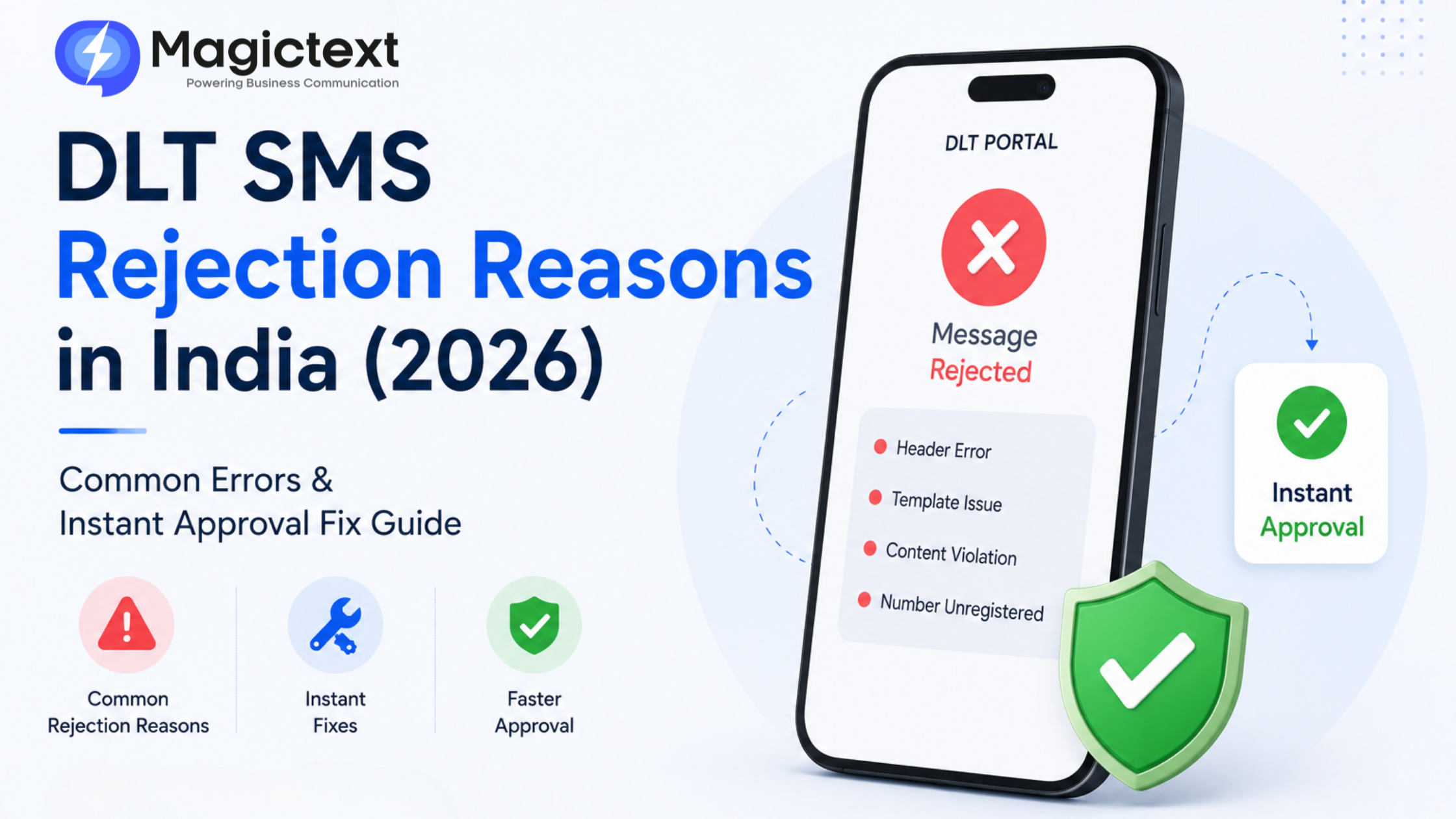
DLT SMS Rejection Reasons in India (2026): Common Errors & Instant Approval Fix Guide
If your SMS templates are getting rejected on DLT portals, you’re not alone.
Thousands of businesses in India face DLT rejection issues while trying to send:
- Promotional SMS
- Transactional SMS
- OTP alerts
- Appointment reminders
- Marketing campaigns
And here’s the frustrating part:
Most rejections happen because of small formatting or compliance mistakes.
In this guide, we’ll explain the most common DLT SMS rejection reasons in India, how to fix them quickly, and how businesses can get faster approvals in 2026.
What is DLT in SMS?
DLT (Distributed Ledger Technology) is a TRAI-mandated system introduced to reduce spam and unauthorized SMS communication in India.
Before sending SMS, businesses must complete:
- Entity registration
- Sender ID approval
- Template approval
Without DLT approval, telecom operators will block SMS delivery.
Why SMS Templates Get Rejected
DLT systems are extremely strict about template formatting and compliance.
Even a small mismatch between:
- Approved template
- Actual message sent
can result in rejection.
Most Common DLT SMS Rejection Reasons in India
1. Template & Message Mismatch
Problem:
The live SMS content does not exactly match the approved template.
Example:
Approved Template:
Your OTP is {#var#}
Sent Message:
Your verification OTP is 4587
This mismatch triggers rejection.
Fix:
Ensure:
- Exact wording match
- Variables remain in correct position
- No extra text added
2. Incorrect Variable Placement
Problem:
Variables are placed incorrectly or excessively.
Wrong:
Hi {#var#}, your order {#var#} is ready.
Sometimes too many variables reduce approval chances.
Fix:
Keep templates structured and clear.
3. Promotional Content in Transactional Templates
Problem:
Businesses try to include marketing content inside transactional SMS.
Example:
Your OTP is 4587. Visit our store for offers.
This violates TRAI guidelines.
Fix:
Keep transactional SMS strictly informational.
4. URL Mismatch or Unregistered Links
Problem:
URLs used in SMS are not whitelisted or don’t match approved templates.
Fix:
- Register domains properly
- Use approved URLs only
- Avoid URL shorteners unless permitted
5. Grammar or Formatting Errors
Problem:
Templates with:
- Excessive symbols
- Random capitalization
- Poor formatting
may get rejected.
Fix:
Use clean, professional message structure.
6. Sender ID Category Mismatch
Problem:
Using:
- Promotional sender ID for transactional SMS
or vice versa.
Fix:
Use correct sender category based on SMS type.
7. Restricted or Sensitive Content
Problem:
DLT systems may reject messages containing:
- Gambling references
- Misleading claims
- Financial fraud indicators
- Restricted categories
Fix:
Avoid sensitive or policy-risk wording.
8. Missing Consent Records
Problem:
Promotional campaigns without proper customer consent may face issues.
Fix:
Maintain opt-in records properly.
Common DLT Error Messages & Meaning
| Error Message | Meaning |
|---|---|
| Template mismatch | SMS content differs from approved template |
| PE-TM mapping failed | Template not linked correctly |
| Header mismatch | Wrong sender ID used |
| Content template rejected | Template violates rules |
| URL not allowed | Unapproved domain used |
Understanding the exact error helps resolve issues faster.
How to Get Faster DLT Approvals
1. Keep Templates Simple
Avoid:
- Complex wording
- Excessive variables
- Long messages
Simple templates get approved faster.
2. Use Exact Variable Structure
Correct Example:
Dear {#var#}, your OTP is {#var#}
Avoid unnecessary variations.
3. Separate Promotional & Transactional SMS
Never mix:
- Offers
- Discounts
- Marketing lines
inside OTP or alert templates.
4. Register URLs Properly
Use:
- Official business domain
- Approved links
before template submission.
5. Work With Experienced Providers
Many businesses avoid rejection issues by using providers like
MagicText
which assist with:
- DLT registration
- Template approval
- Header setup
- Compliance guidance
This significantly reduces rejection delays.
DLT Approval Best Practices for 2026
- Maintain clean template formatting
- Avoid editing approved templates repeatedly
- Keep transactional SMS informational
- Track rejected templates carefully
- Use compliant APIs and routing
Compliance saves time and delivery failures.
Real Impact of DLT Rejections
DLT issues can cause:
- SMS delivery failures
- OTP delays
- Customer complaints
- Lost leads and revenue
For businesses dependent on communication, quick approval matters.
Final Thoughts
DLT compliance is now a mandatory part of SMS marketing in India.
Most template rejections happen because of:
- Formatting mistakes
- Template mismatch
- Wrong sender category
- Compliance violations
The good news is that most of these problems are easy to fix once you understand the rules.
By following proper DLT practices and using experienced providers, businesses can reduce rejection rates and ensure smooth SMS delivery in 2026.